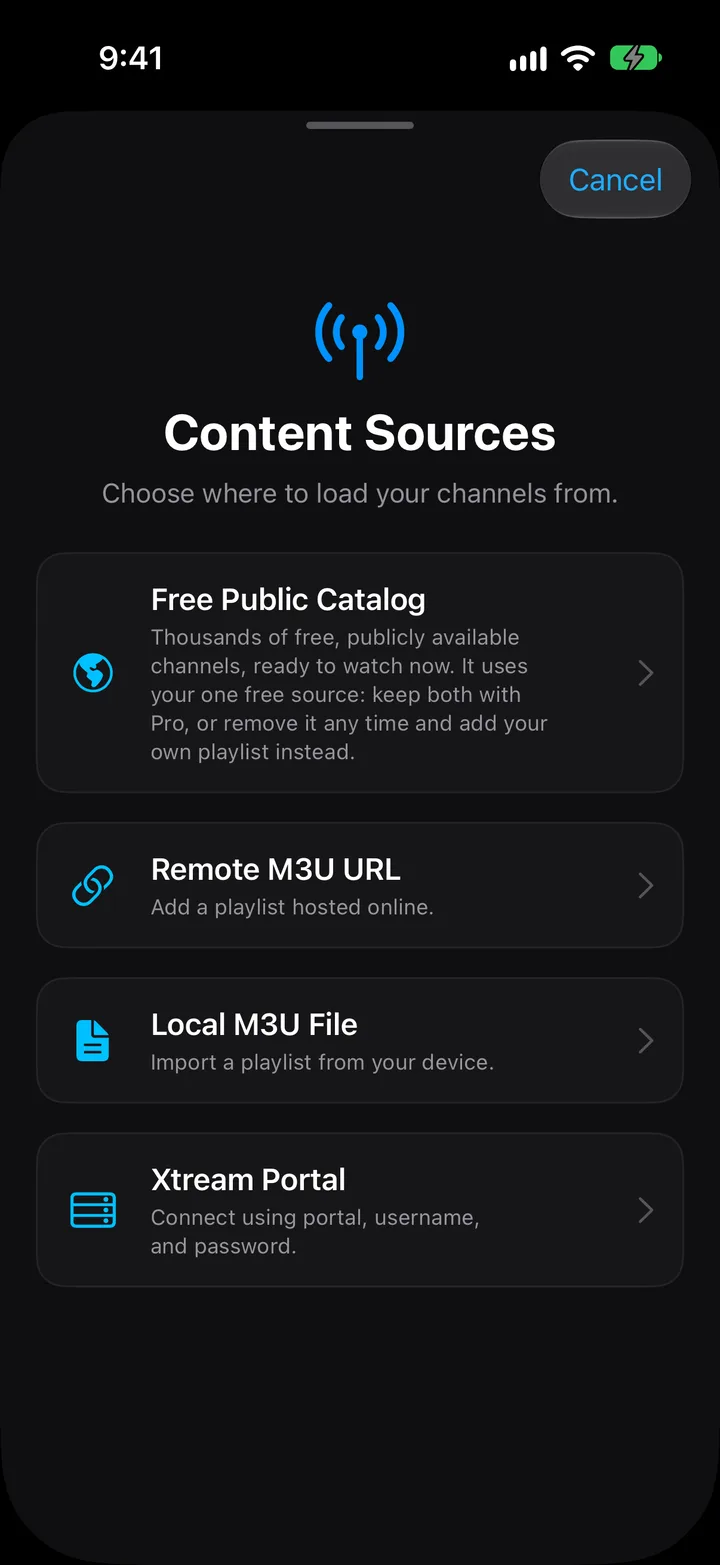
Your provider gave you a portal URL, a username and a password instead of a playlist link. Those three fields go into PixelPlay in under a minute.
iOS 17+ · Xtream Codes works on the free tier
Some IPTV providers hand out a link ending in .m3u. Others run an Xtream Codes server and give you three pieces of login instead: a portal URL, a username and a password. Both deliver the same channels.
The difference shows up later. An M3U link is a snapshot, so you re-add it when your provider changes the line-up. Xtream Codes talks to the server directly, so PixelPlay refreshes your channels on its own.
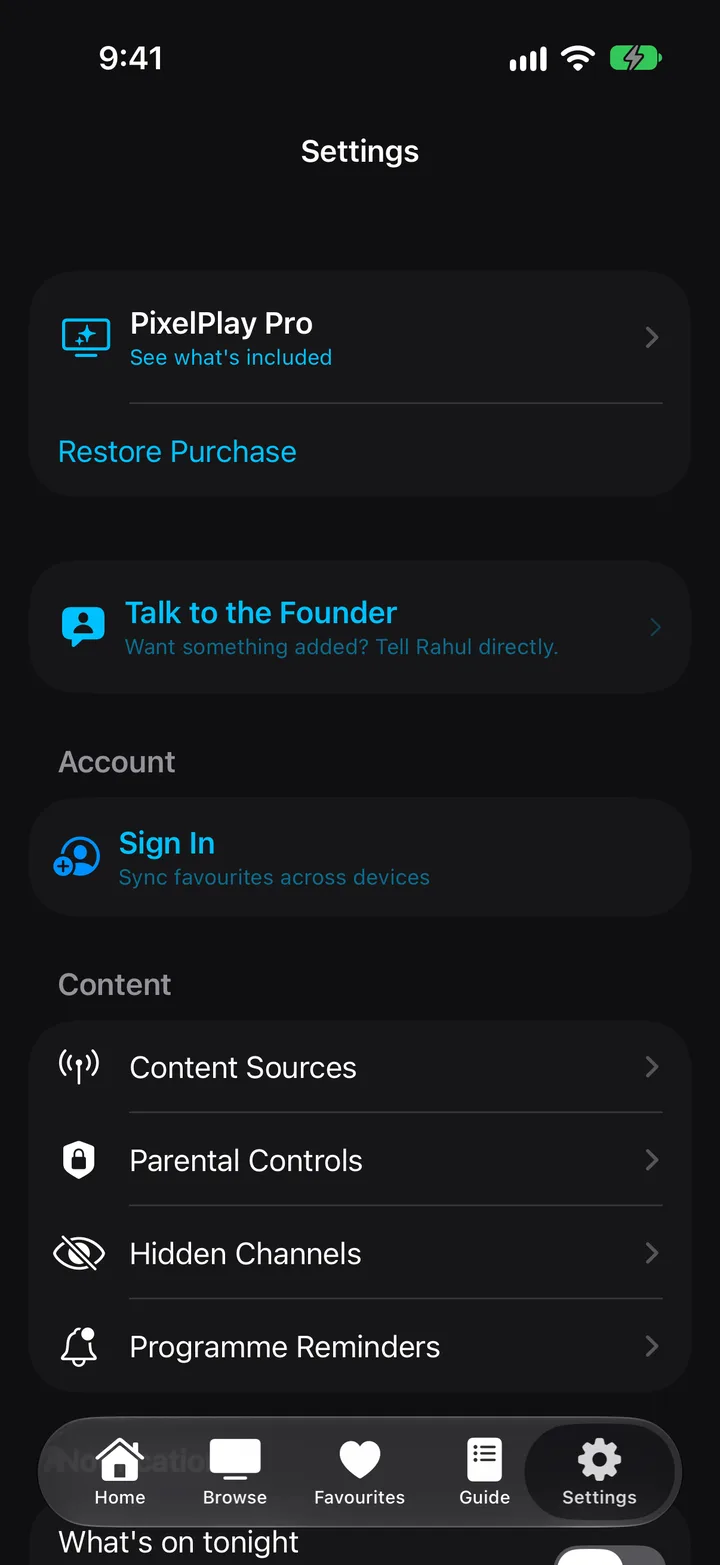
Settings sits in the tab bar. Content Sources is the first row under the Content heading.
Four cards appear: Legal Public Channels, Remote M3U URL, Local M3U File and Xtream Codes API.
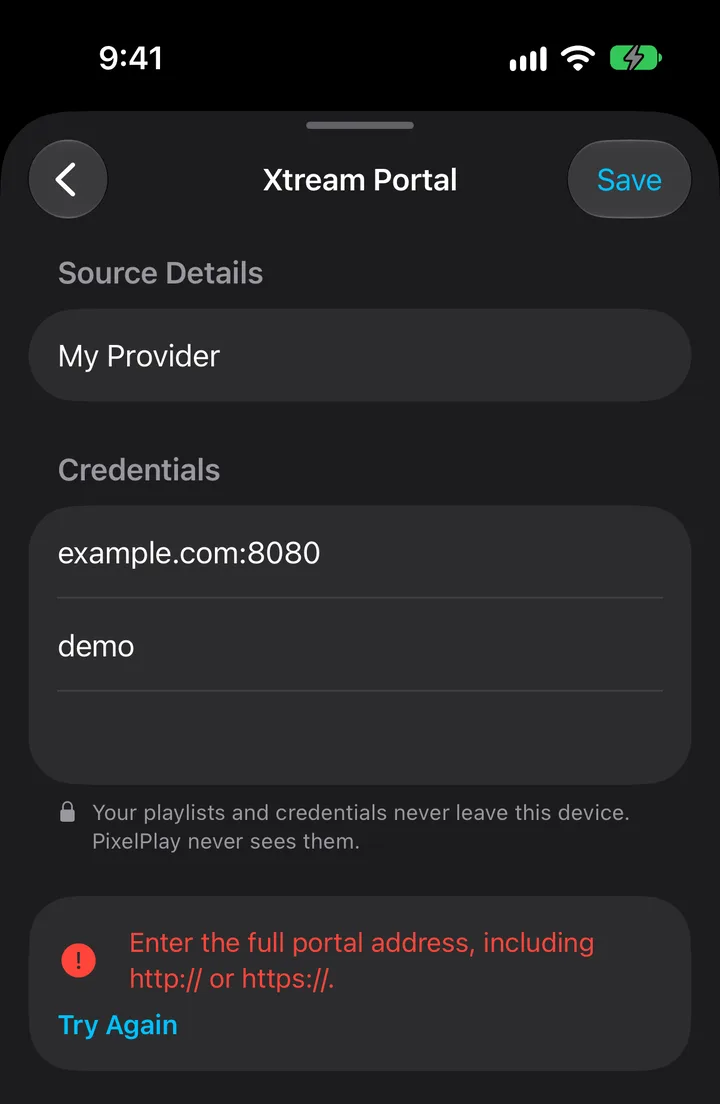
The form asks for a name and three credentials.
Anything you will recognise later. The placeholder suggests My Provider. This label is yours; it never reaches the server.
The field shows the shape it wants: https://server.com:8080. Most Xtream providers run on a port, and leaving it off is the single most common reason a login fails. Copy the whole thing, port included.
Paste rather than retype. A trailing space from a copied email will fail authentication and looks identical to a wrong password.
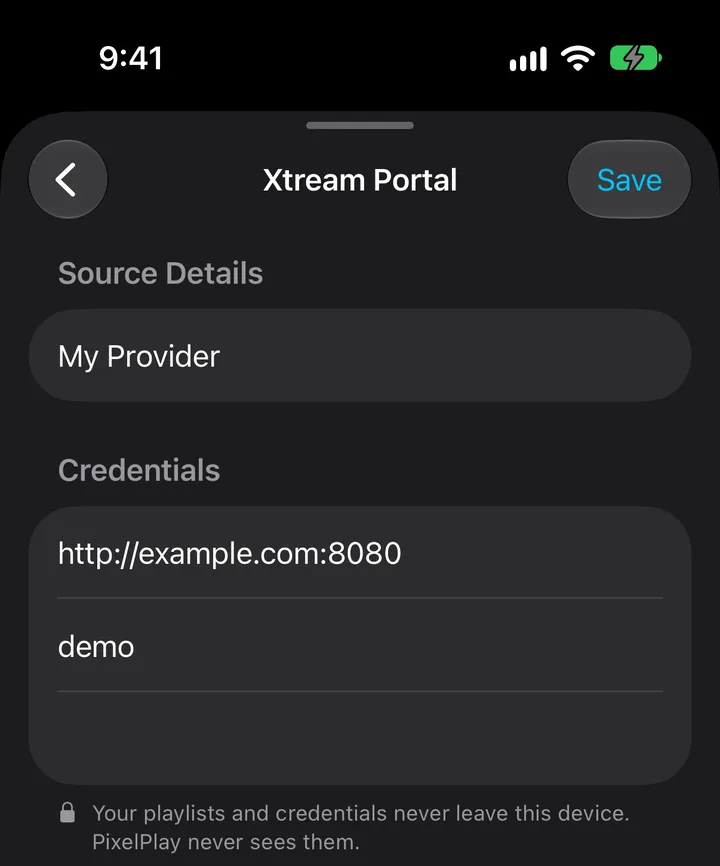
Save stays greyed out until all four fields hold something. PixelPlay then shows Authenticating & Syncing while it checks the login and pulls your channel list. Large playlists take a moment.
PixelPlay writes your Xtream password to the iOS Keychain, which encrypts it with hardware backing. The app never uploads it to us, and we never see it.
Your portal URL and username sit in the app's own database on the device. Deleting the source removes all three. The full detail lives in the privacy policy.
Our Playlist Health Check accepts Xtream credentials and tests every channel on the line. Run it when you want to know whether the provider is down or the app is at fault. It asks for no signup and keeps no record of the check.
PixelPlay could not read what you typed as an address. Check that it starts with http:// or https://, and that no space crept in at either end.
The server answered and rejected the login. Work through these in order: the port is missing from the portal URL; the line has expired; you are already streaming on the maximum number of connections your plan allows; a copied field carries a trailing space. Providers cap simultaneous connections, so a second device already watching will lock you out.
Both messages come from the login step, before any channel plays. Problems that appear after the channel list loads belong in playback troubleshooting.
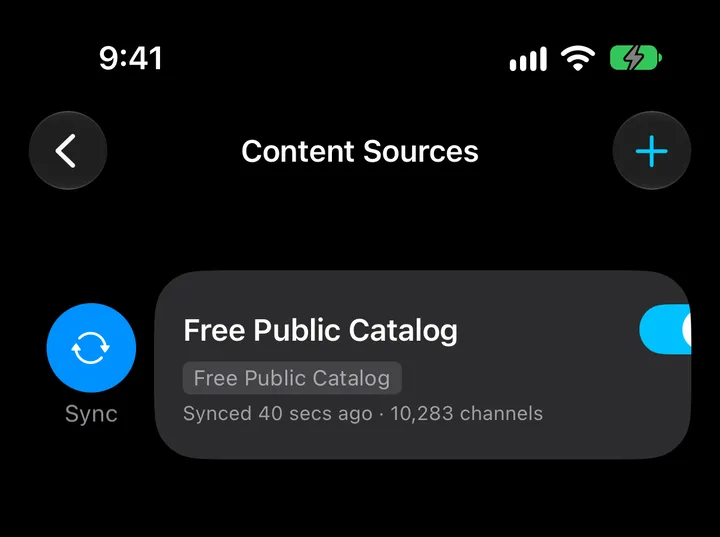
Nothing. The free tier carries one custom source and keeps it for good, and an Xtream account counts as that source. You get live playback, pause and rewind, favourites with sync, the TV guide, AirPlay and Google Cast alongside it.
Adding a second source is where PixelPlay Pro starts, at $9.99 once. Pro also adds Picture-in-Picture, Multi-View, and locks behind Face ID.
Usually yes. The field prompts you with https://server.com:8080 because most Xtream providers run on a port other than the default. Copy the portal exactly as your provider wrote it. A missing port is the most common cause of Authentication failed.
Yes. The free tier includes one custom source, and an Xtream account can be it. Pro raises the limit so you can hold several providers at once.
In the iOS Keychain on your device, encrypted with hardware backing. The app never uploads it. Your portal URL and username stay in the app's local database, and deleting the source clears all three.
No. PixelPlay syncs live channels from your Xtream provider and keeps them current. You can also pull to refresh from Settings → Content Sources when you want to force it.
Check your connection limit first. Most providers allow one or two streams at a time, so another app or device still holding a connection will make a fresh login fail. Close the other session and try again. If it still fails, run the credentials through the Playlist Health Check to see whether the server answers at all.
Where the provider offers it, yes. PixelPlay reads the catch-up window your provider advertises for each channel, so you can restart the current programme or pick something that already aired. Channels without catch-up play live only.
Tell us which of the two errors you see and what your provider's portal looks like, with the password left out. We answer within 24 hours, Monday to Saturday.
admin@srstech.inNever send your Xtream password, to us or to anyone else.
Working from a playlist link instead? Read the M3U setup guide.