Live TV playback
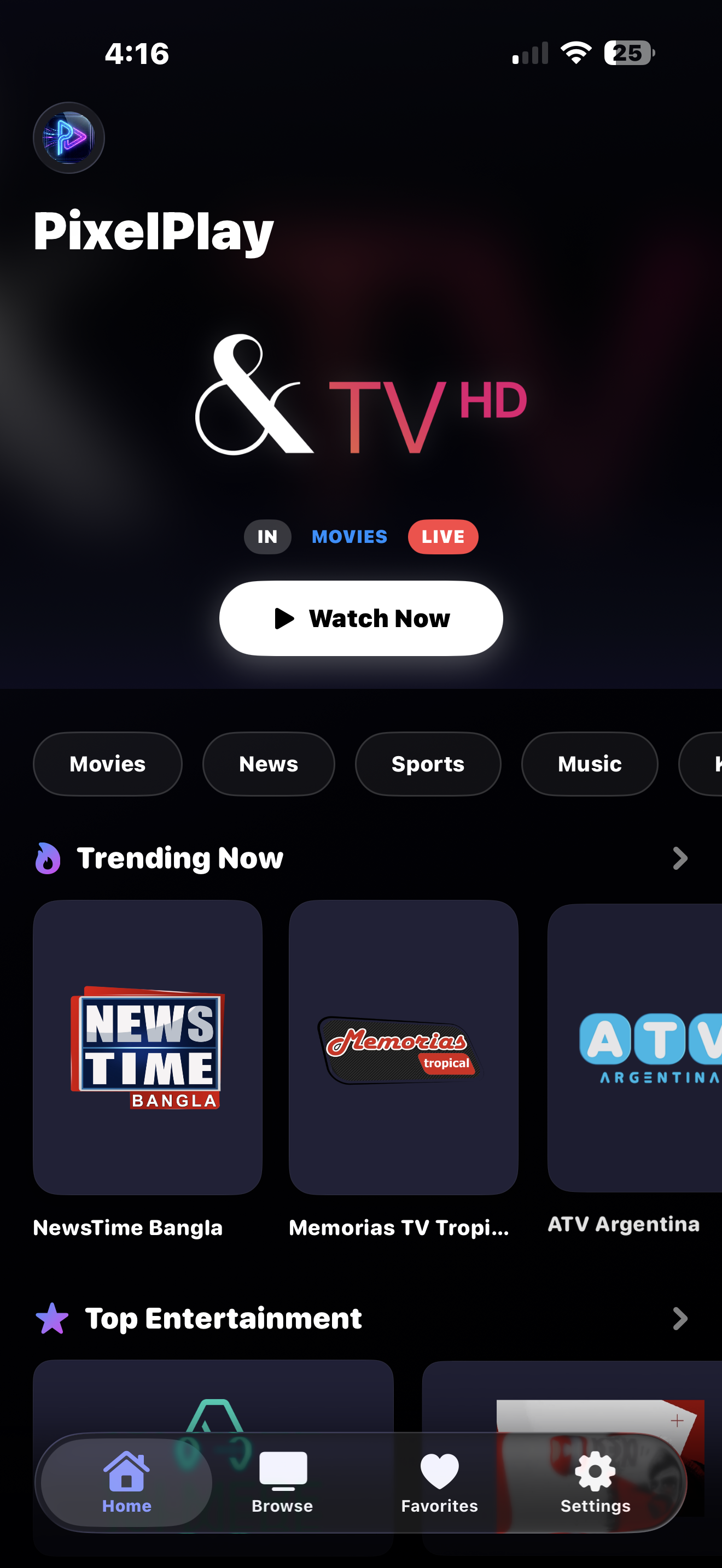
Buffer-aware streaming that holds up on mobile data. M3U, Xtream Codes, and the public catalogue all play out of the box. PixelPlay runs two playback engines: when AVPlayer refuses a stream, VLCKit takes it.
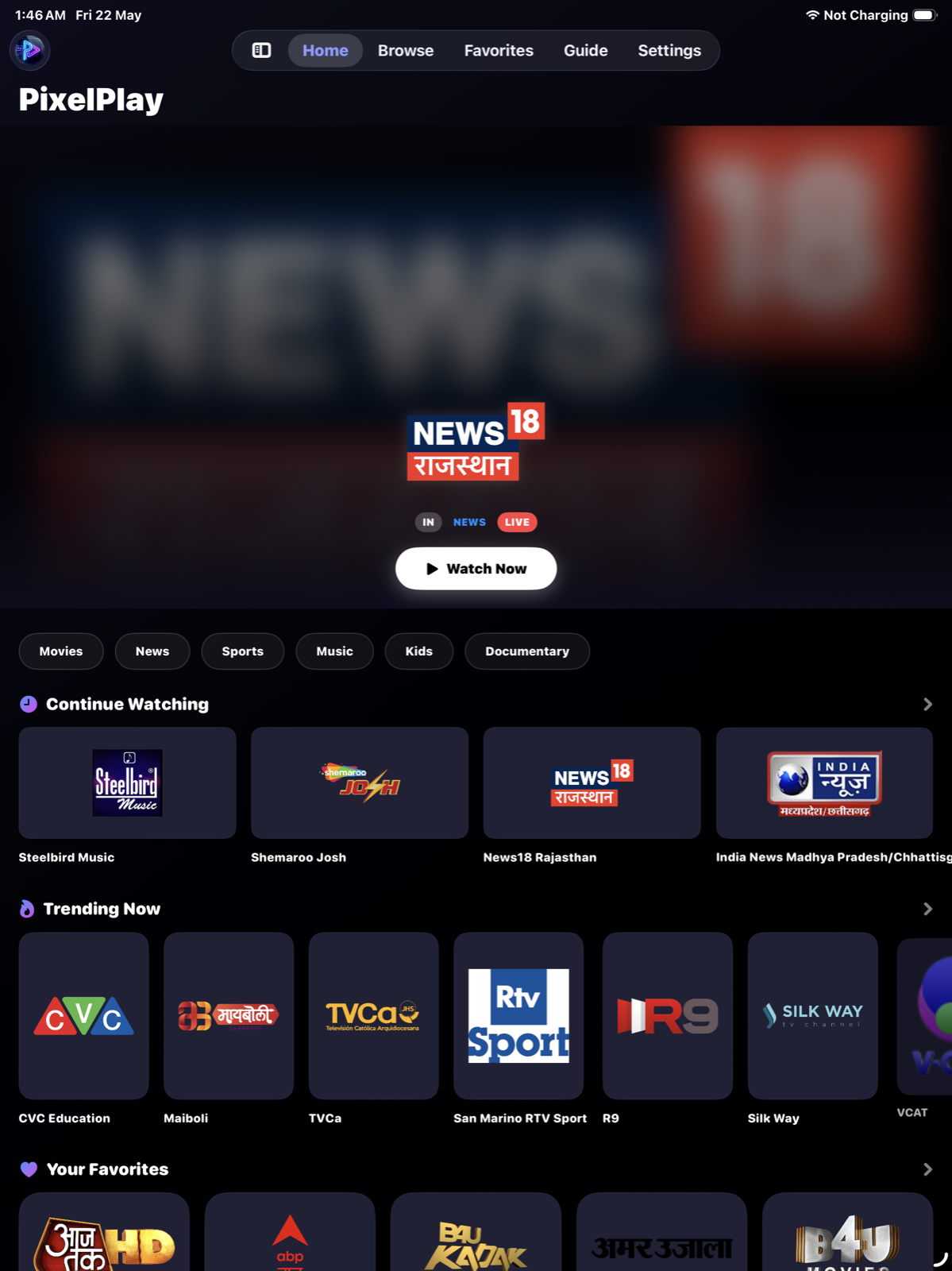
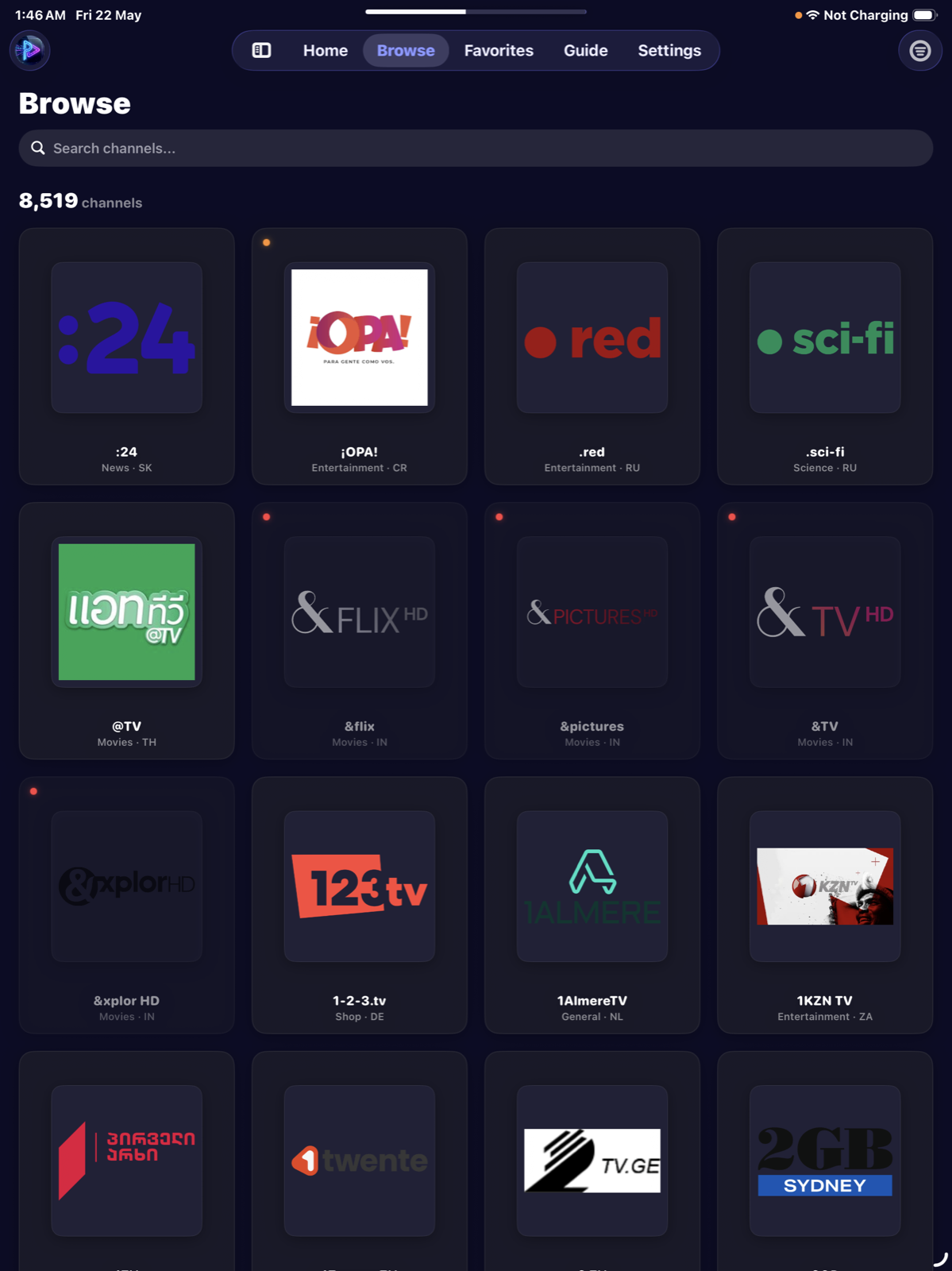
Point PixelPlay at your M3U playlist or Xtream Codes login and it sorts the lot by country and category. No playlist yet? Start with 8,000+ legal public channels from 150+ countries.
Free · iOS 17+ · No account needed to start watching
“…completely free of annoying ads or invasive tracking. The native integration with iOS features like AirPlay, Picture-in-Picture, and Spotlight search makes streaming an absolute joy.”
“…this one actually feels well thought out. It's fast, simple, and doesn't overwhelm you with settings. EPG worked better than expected and video playback has been stable for me.”
“The app runs smoother than some of the bigger IPTV apps I've used.”
“The interface is clean and easy to use, and streaming quality is very good.”
Paste an M3U link or your Xtream login and we test every channel in it. Nothing is stored, no signup. Then watch the ones that answered in PixelPlay.
The free tier needs no subscription, shows no ads, and never expires. Bring your own sources or use the built-in public library.
Buffer-aware streaming that holds up on mobile data. M3U, Xtream Codes, and the public catalogue all play out of the box. PixelPlay runs two playback engines: when AVPlayer refuses a stream, VLCKit takes it.
Pause live TV, rewind to replay a moment, or restart the show you joined late. On channels with catch-up you can watch programmes that already aired. Go Live returns you to the edge.
8,000+ legal public channels from 150+ countries, ready before you configure anything. PixelPlay flags the ones likely to be offline before you tap play.
Press and hold a channel in Browse or the Guide and choose Hide Channel. PixelPlay takes it out of Browse, the Guide and your Favourites at once, and never hides one on its own. Settings keeps a searchable Hidden Channels list, and you unhide one or all of them.
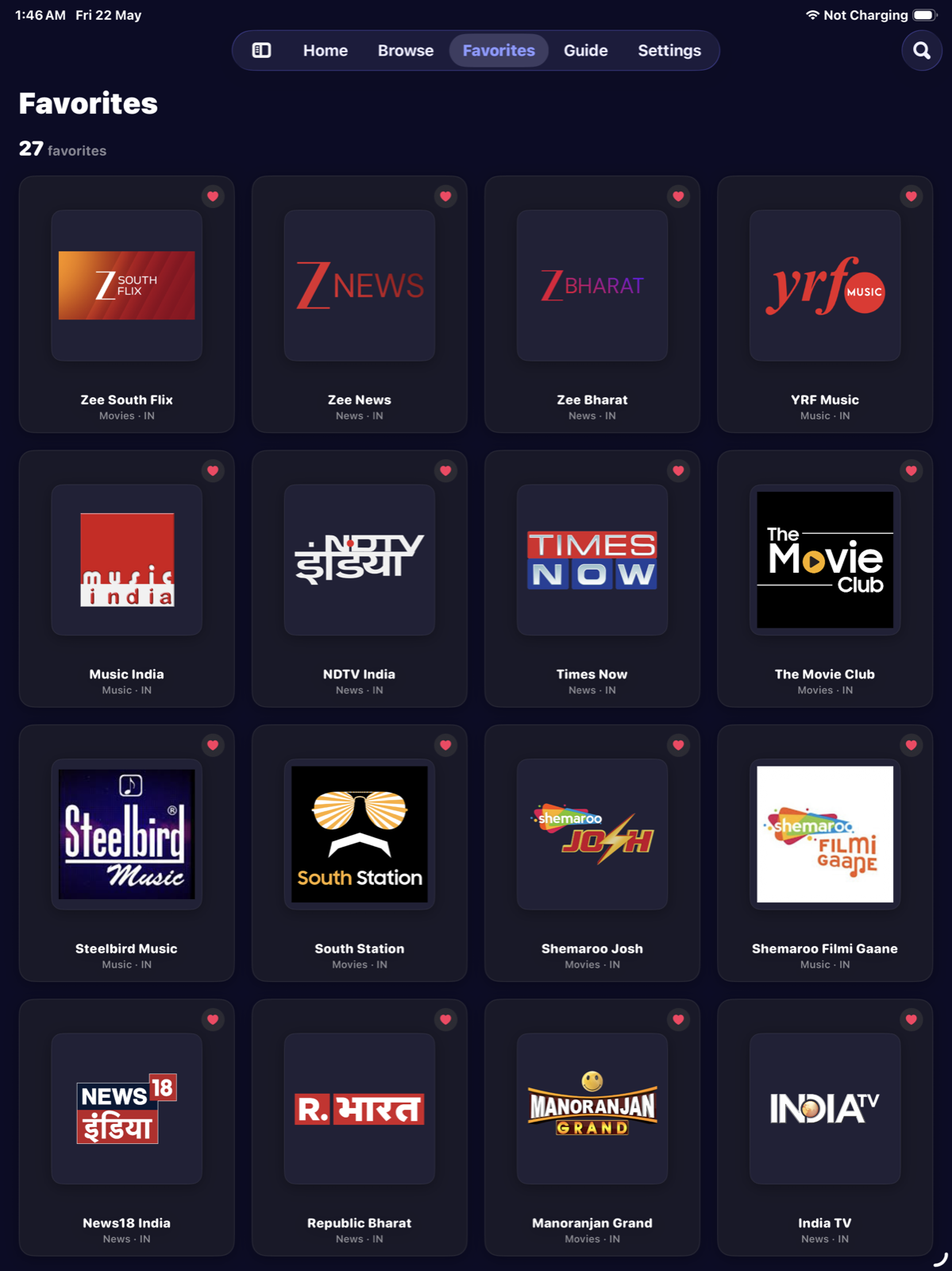
Save the channels you watch and reach them from iOS Spotlight without opening the app. PixelPlay puts the same favourites, locks and hidden channels on every device you sign in to.
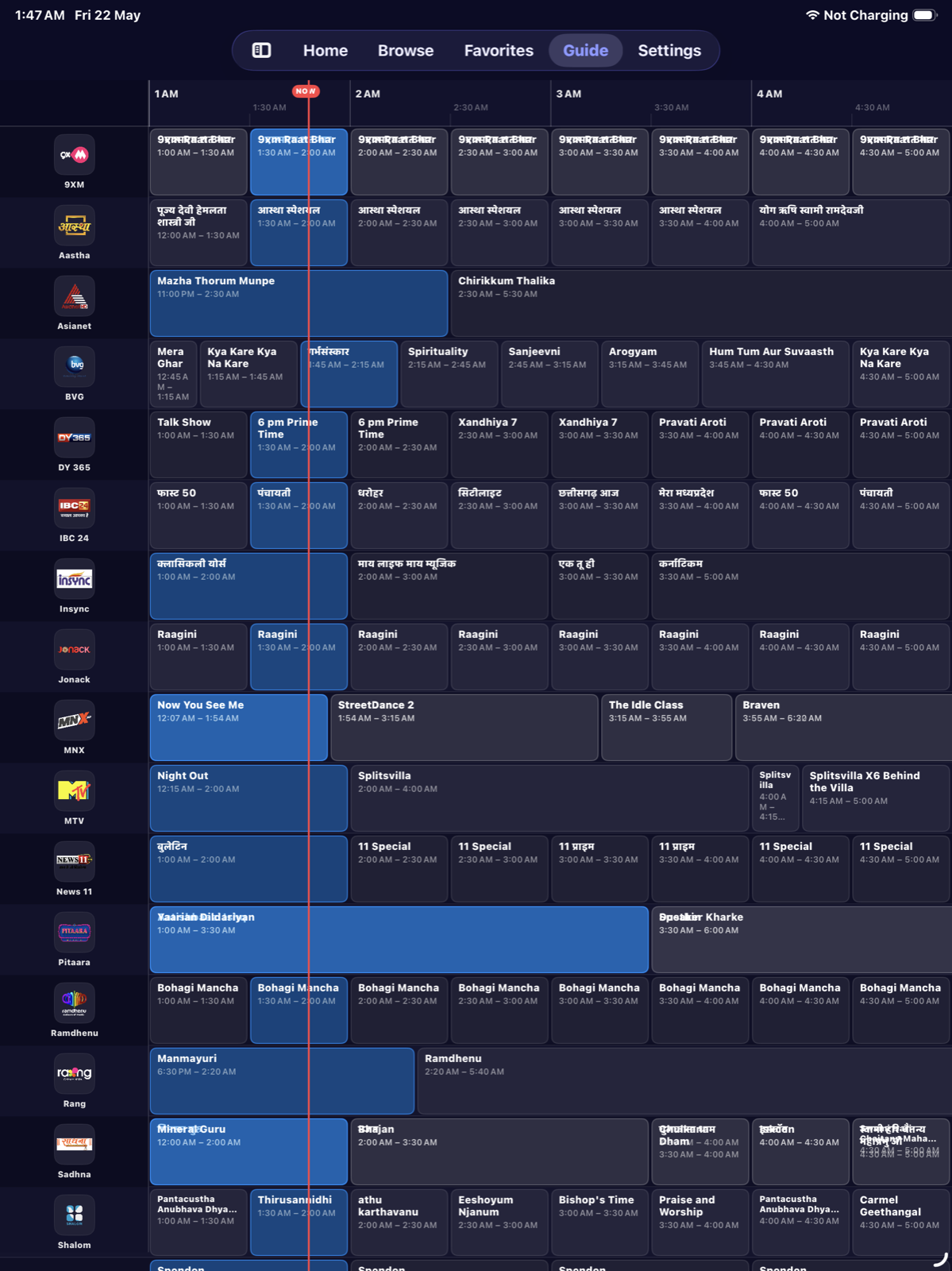
What is playing and what follows, in the player controls and on the home screen, for any channel with EPG data. The full TV guide, a 24-hour grid across every channel with reminders, comes with Pro.
A remote M3U URL, a local M3U file, or your Xtream Codes provider. One source is free for good; Pro lifts the limit.
Send the stream to an Apple TV over AirPlay, or to Chromecast and Google TV over Google Cast. Both free, no Pro needed.
Connect the iPhone to a TV by cable and the channel plays there at the display's own resolution. Streams AirPlay cannot carry reach the television this way.
An adaptive tab bar on iPadOS 18+ that you can switch to a sidebar, a channel grid that scales with the screen, a guide showing about four hours at once, and a bigger mini-player. Stage Manager and Split View safe.
Drive the whole app from a Magic Keyboard. ⌘1–5 switches tabs, ⌘F jumps to search, Space plays and pauses, arrows change channel, Esc minimises the player.
Fast channel switching, gesture-first playback controls, and edge-to-edge video on every iPhone size.
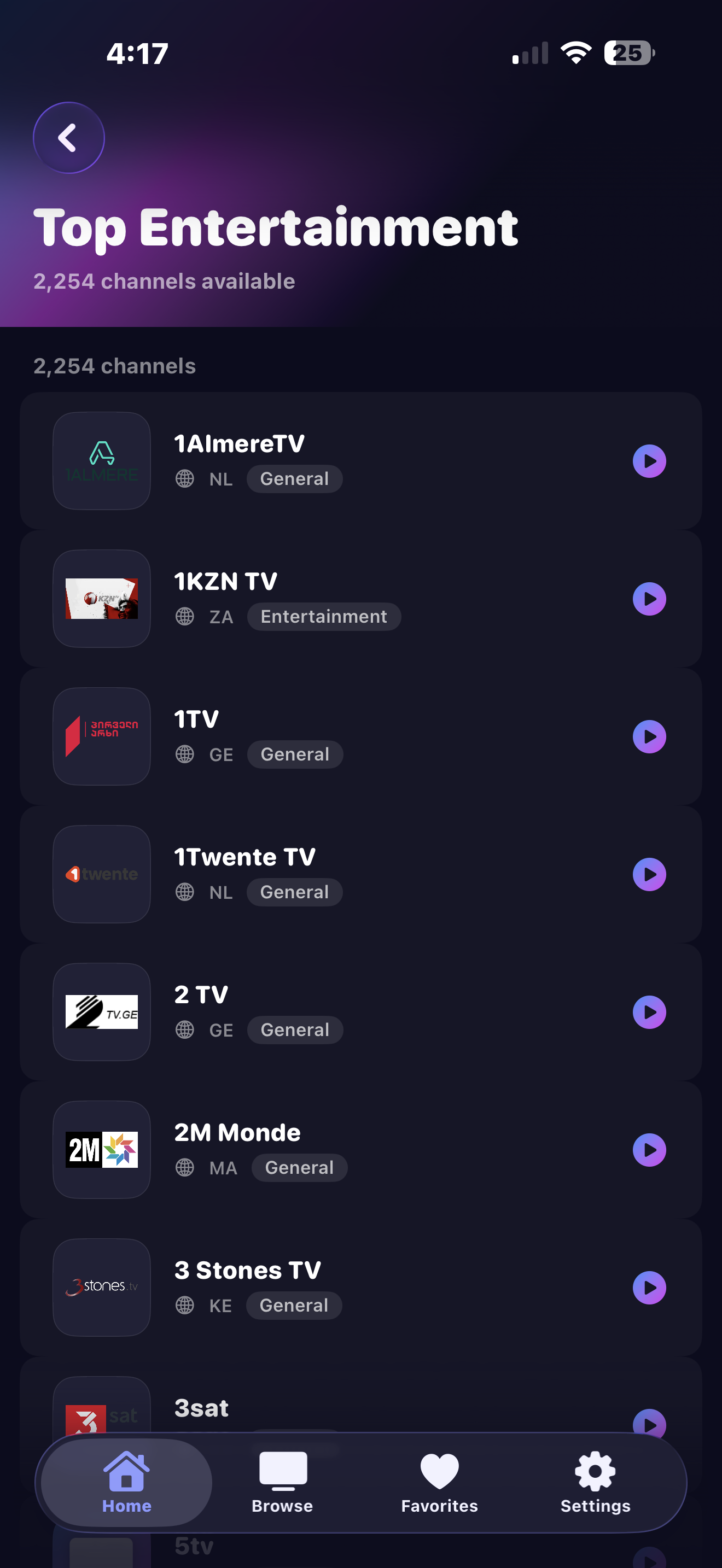
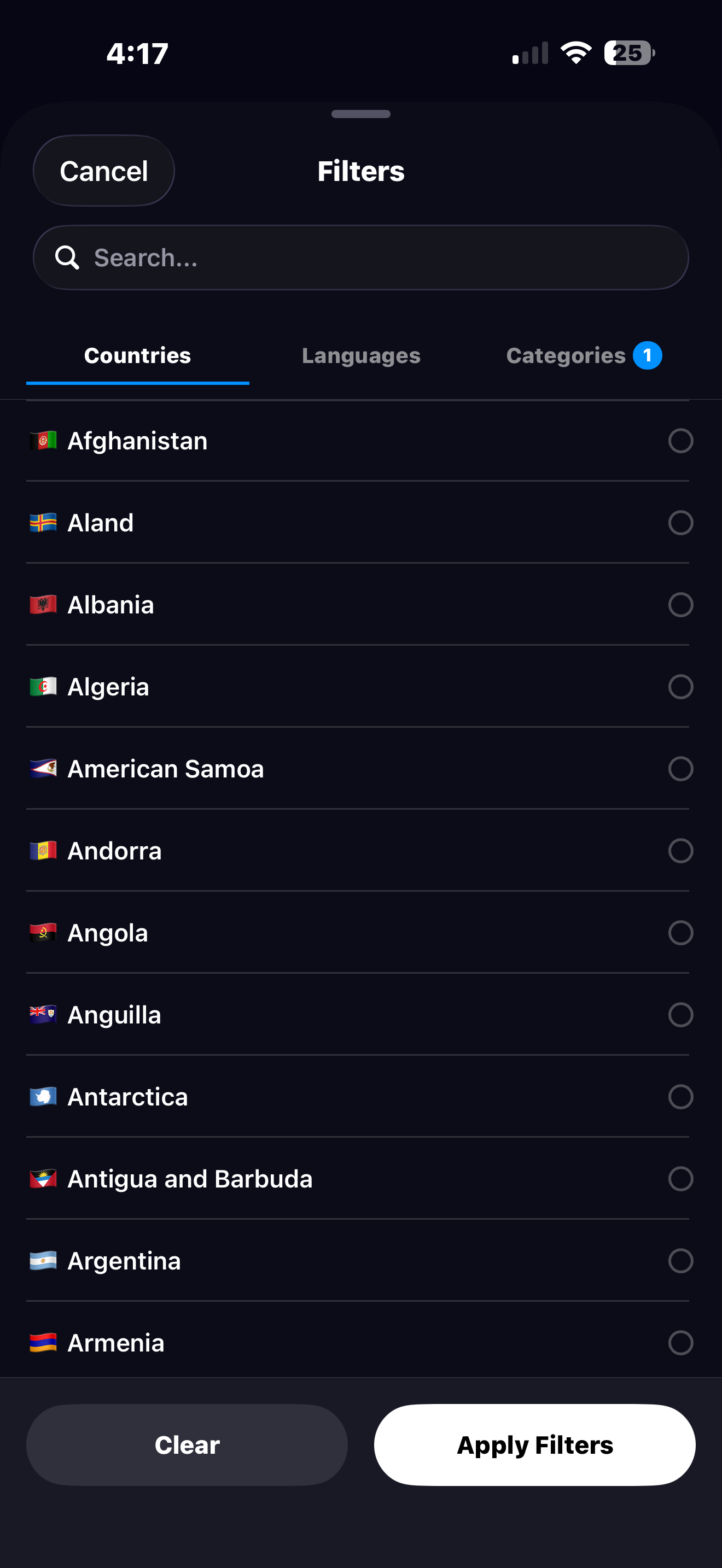
Sidebar navigation, an adaptive channel grid, a guide timeline showing about four hours at a glance, Multi-View in a 2×2 grid, and keyboard shortcuts throughout.
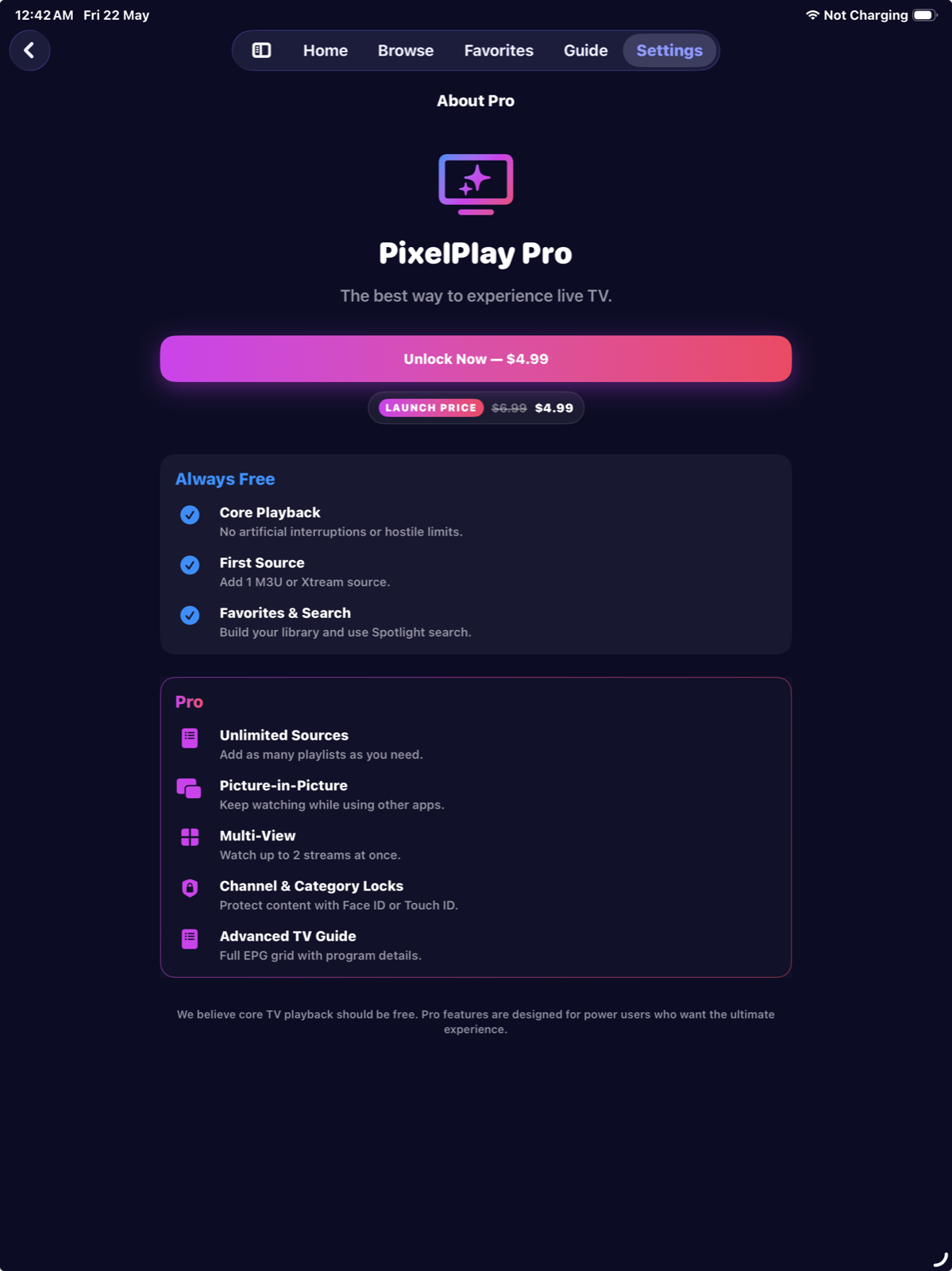
Lifetime is a one-time purchase. Pay once, and there's nothing to renew or cancel. Yearly is a subscription that starts with a free trial. Both unlock the same Pro features.
Lifetime purchase
or yearly subscription
Family Sharing included
on both plans
| Feature | Free | Pro |
|---|---|---|
| Live TV playback | Included | Included |
| Pause, rewind and catch-up | Included | Included |
| Public channel library (8,000+) | Included | Included |
| Hide channels | Included | Included |
| Favourites and sync | Included | Included |
| AirPlay and Google Cast | Included | Included |
| External display | Included | Included |
| Built for iPad | Included | Included |
| Hardware keyboard | Included | Included |
| Now & next while watchingPlayer and home screen. | Included | Included |
| Your own sources | 1 | Unlimited |
| Full TV guide24h grid plus programme reminders. | Not included | Included |
| Picture-in-PictureKeep watching while you use other apps. | Not included | Included |
| Multi-ViewFour live streams at once in a 2×2 grid. | Not included | Included |
| Channel and category locksFace ID, Touch ID or your device passcode on anything you choose. | Not included | Included |
Pro unlocks from Settings inside the app.
Bought it before? Restore it on any device, no second payment.
PixelPlay Pro has a lifetime option: one payment, nothing to renew. If you would rather buy software than rent it, OneTimePay lists apps that work the same way.
Connect what you already pay for, or watch the public library while you decide.
PixelPlay is a free IPTV player for iPhone and iPad that plays live TV from M3U playlists, Xtream Codes providers, and a built-in library of 8,000+ public channels from 150+ countries. Many IPTV apps put basic playback behind a subscription. PixelPlay's core stays free. An optional Pro upgrade adds Multi-View, Picture-in-Picture, unlimited sources, and Channel Locks. Get it as a one-time lifetime purchase, or subscribe yearly with a free trial.
Open Settings, tap Content Sources, then tap + in the top right. You can add a remote M3U URL by pasting a link from your provider, import a local M3U file from your device, or connect an Xtream Codes API account with your portal URL and credentials. PixelPlay parses the playlist and organises the channels by category and country for you.
Yes, natively. Enter your provider's portal URL, username, and password to connect. Our Xtream Codes setup guide walks through it field by field, and the guides index covers M3U too. PixelPlay syncs your live channels and keeps them up to date on its own.
Yes, and it is built for iPad rather than scaled up from the iPhone app. On iPadOS 18+ you get a sidebar tab bar, an adaptive channel grid, a wider guide timeline showing about four hours at a glance, and a larger floating mini-player. Multi-View, Picture-in-Picture, Stage Manager, and Split View all work.
Pro adds unlimited IPTV sources (the free tier includes one), Picture-in-Picture so playback continues while you use other apps, Multi-View for up to four live streams at once in a 2×2 grid on iPhone and iPad, channel and category locks behind Face ID, Touch ID or your device passcode, and the advanced TV guide with a full 24-hour scrollable timeline. Get Pro as a one-time lifetime purchase, or subscribe yearly with a free trial.
Yes. On any channel with a live buffer you can pause and rewind, then tap Go Live to jump back to the edge. Where the channel supports catch-up you can also restart the current programme or watch something that already aired. This is part of the free core, no Pro needed.
Free on the App Store. No account needed, and the free tier never expires.
Download PixelPlayiOS 17+ · iPhone & iPad · AirPlay & Google Cast